01

Access
Open Brella
Go to the Startup OLÉ '26 Brella event page and sign in with the email used for your attendee registration.
Open Brella

Startup OLÉ '26 · Salamanca
Use Brella to discover key players, request 1-to-1 meetings and make the most of Startup OLÉ '26. Complete your profile, send meeting requests and check your assigned table before each meeting.
Follow these steps before and during Startup OLÉ '26. Your meeting is only confirmed when the other participant accepts the request and Brella assigns a time and table.
Access
Go to the Startup OLÉ '26 Brella event page and sign in with the email used for your attendee registration.
Open Brella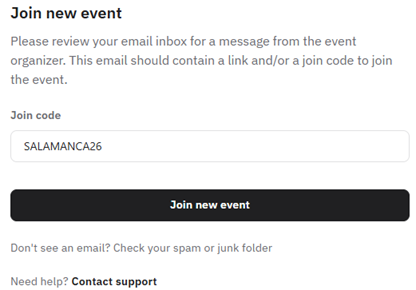
Join the event
Click Join Event in Brella and enter the event code SALAMANCA26 to access the Startup OLÉ '26 networking area.
Join event in Brella
Profile
Add your role, company, description, interests and networking goals. A complete profile helps startups, investors and corporates find the right opportunities.

People
Use the People section to discover attendees, filter by interests and identify the most relevant startups, investors, corporates and ecosystem partners.

Requests
Send meeting requests with a short message explaining why you want to meet. Remember: pending requests are not confirmed meetings.
Meetings
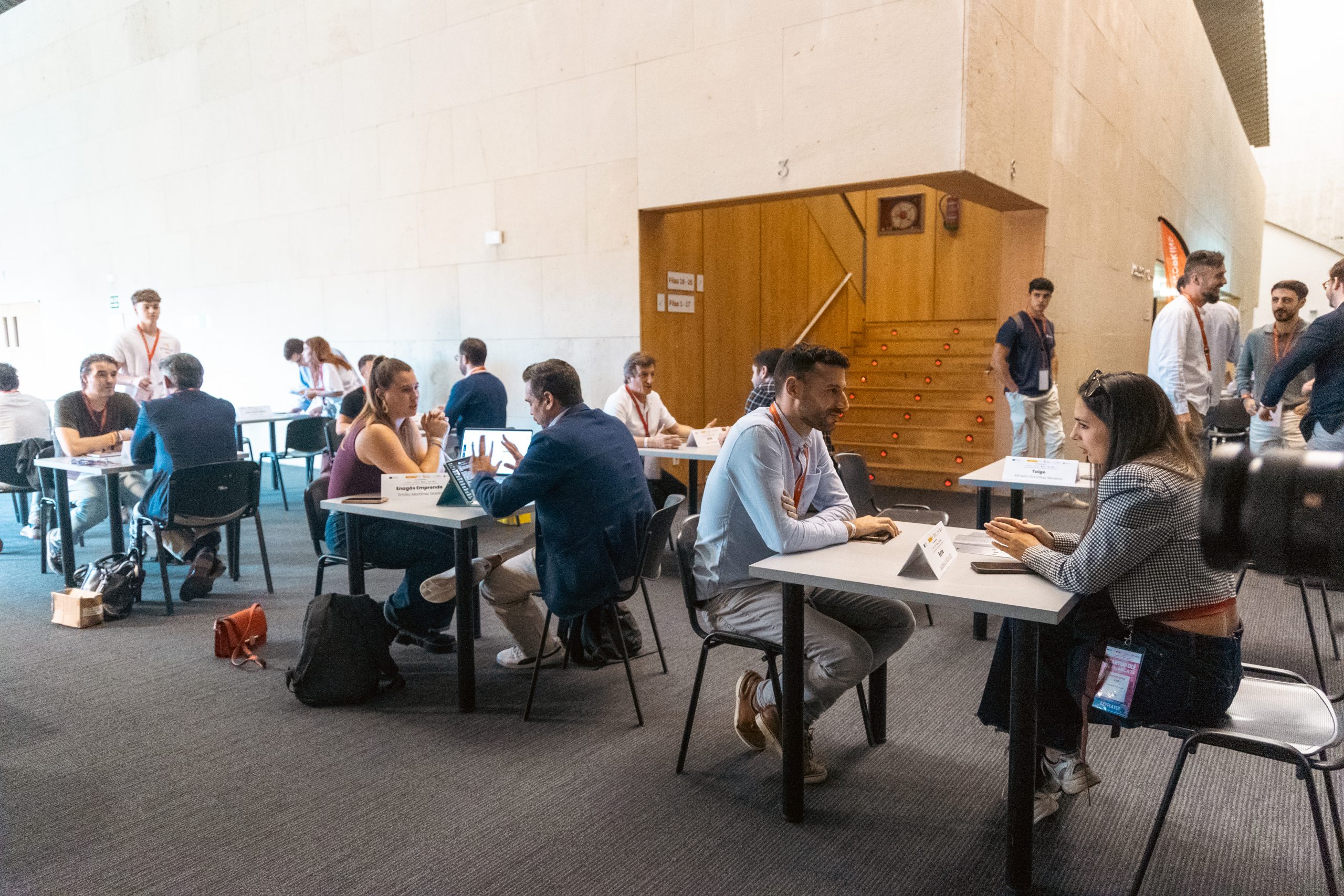
Once accepted, Brella assigns a time and meeting table. Go to the Networking Area and look for your assigned table before the meeting starts.